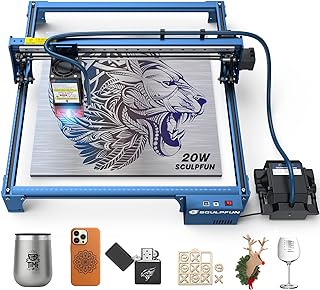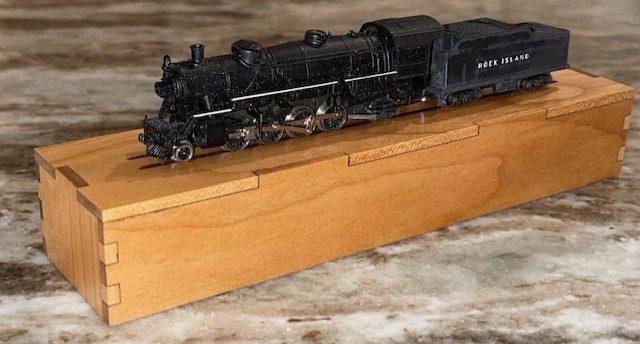
Here is a simple little project that I made using my Sculpfun S30 PRO MAX Laser. It’s a simple design that allows me to display an old Atlas N Scale 2-8-2 Mikado Locomotive. It could certainly be used for other locomotives as well. Below I will give an overview of the experience. I am relatively new at laser work and so I hope some of the info will help you along the way. The project helped me learn a few tricks with the laser in both layout and settings.
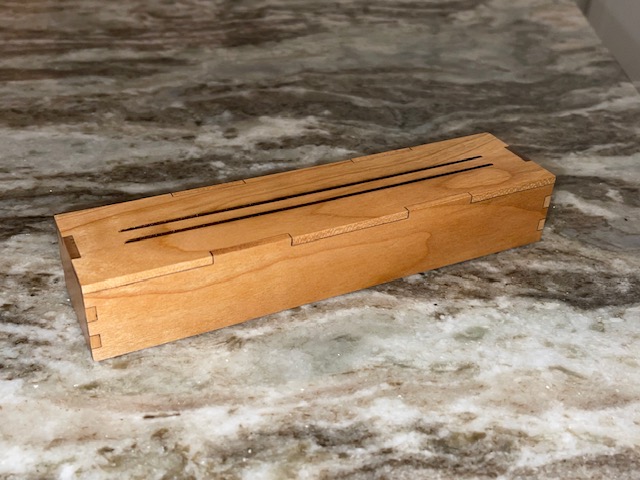
The box itself is of a fairly straight forward design laid out using Lightburn. If you have a laser engraver, you probably own Lighturn or equivalent software. The box top is solid cherry, not plywood. Solid wood may be a little more inconsistent in thickness and a little more money but the look is so much nicer. The bottom is just a standard cheap hobby plywood. Both where bought as 3mm but actual thickness varied. More on that a little later, it does make a difference in layout. The goal was basically to recreate a plastic jewelers case that Atlas used for many years for their n scale locomotives in wood. My goal was to utilize the plastic tray inside the jewelers case inside my wooden case. So with careful measuring and adjusting, I was able to get the bottom sized correctly. From there I created the top to slide over the wood bottom. If you have a plastic case bottom, I imagine you could just use that for the bottom. If you don’t have plastic tray insert, you could just wrap the locomotive in soft cloth for storage. I added a couple of engraved grooves in the top to serve as rails to display the locomotive.
I had been using walnut on a few projects but on this one I decided to use cherry. I am really pleased how the wood finished out. With the clear coat, it really has a classic look. The cover is 1/8″ or 3 mm cherry from Amazon. The wood actually measured out at 3.4 mm (but a cheap caliper!) so I made my tabs at 3.mm which proved just about perfect. I may increase to 3.6 mm as I would rather have the tabs a little tall and then sand down. The bottom of the box was just made from standard project ply at 3 mm. It measured out a little shy of that, I made the tabs at 3.01 mm. The light ply sands very easy so not a big deal if the tabs are a little tall. I glued the box up using a medium CA glue and then sanded all the tabs flush. The finish is a simple rust-o-leum semi gloss. I sprayed a couple of light coats and then sanded with 320 sandpaper and gave it one last coat. The finish is super nice.
I am no way an expert on laser cutting and engraving. But if you google what you want to know in regards to laser choice, how to use the software and designing projects, there is no end to the info. I will add a list of essentials if you are new to laser cutting and engraving below for you to review. My laser is a Sculpfun S30 Pro Max, 20 WATT. I am very happy with it thus far. Would I go bigger? Yes, I could always use more power. For a project like this, I would think a 10 WATT or even a 5 WATT could work, It’s just a little slower. I think to cut the top of this project was about 13 minutes, the box bottom probably 3 minutes or so. I don’t think I would go below a 10 WATT. My software is Lightburn. The license is good for three machines. Again there is so much help on line for this software, you will find the help you need. One thing that tripped me up a couple of times is when switch back and forth between inches and MM. It can do some strange things to your layout! Watch it. Also, when laying out your finger joints, you should really have a inexpensive micrometer to measure the material as it does affect how you size you tabs. You have much less sanding! There are ways to reduce your cutting and engraving time, again, spend some time on youtube. I shaved a bunch of time off on the engraved rails just by flipping the top 90 degrees in the software.
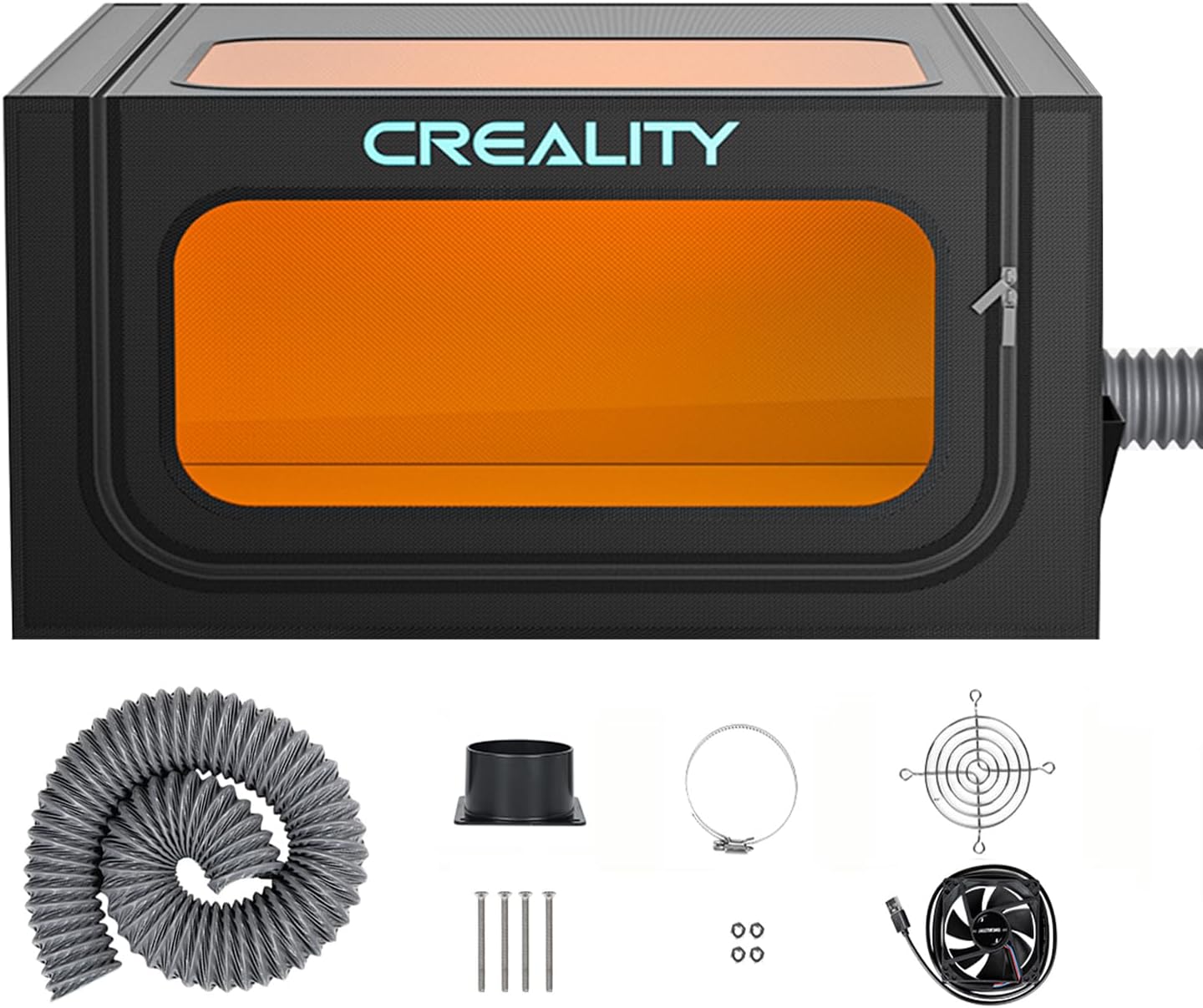
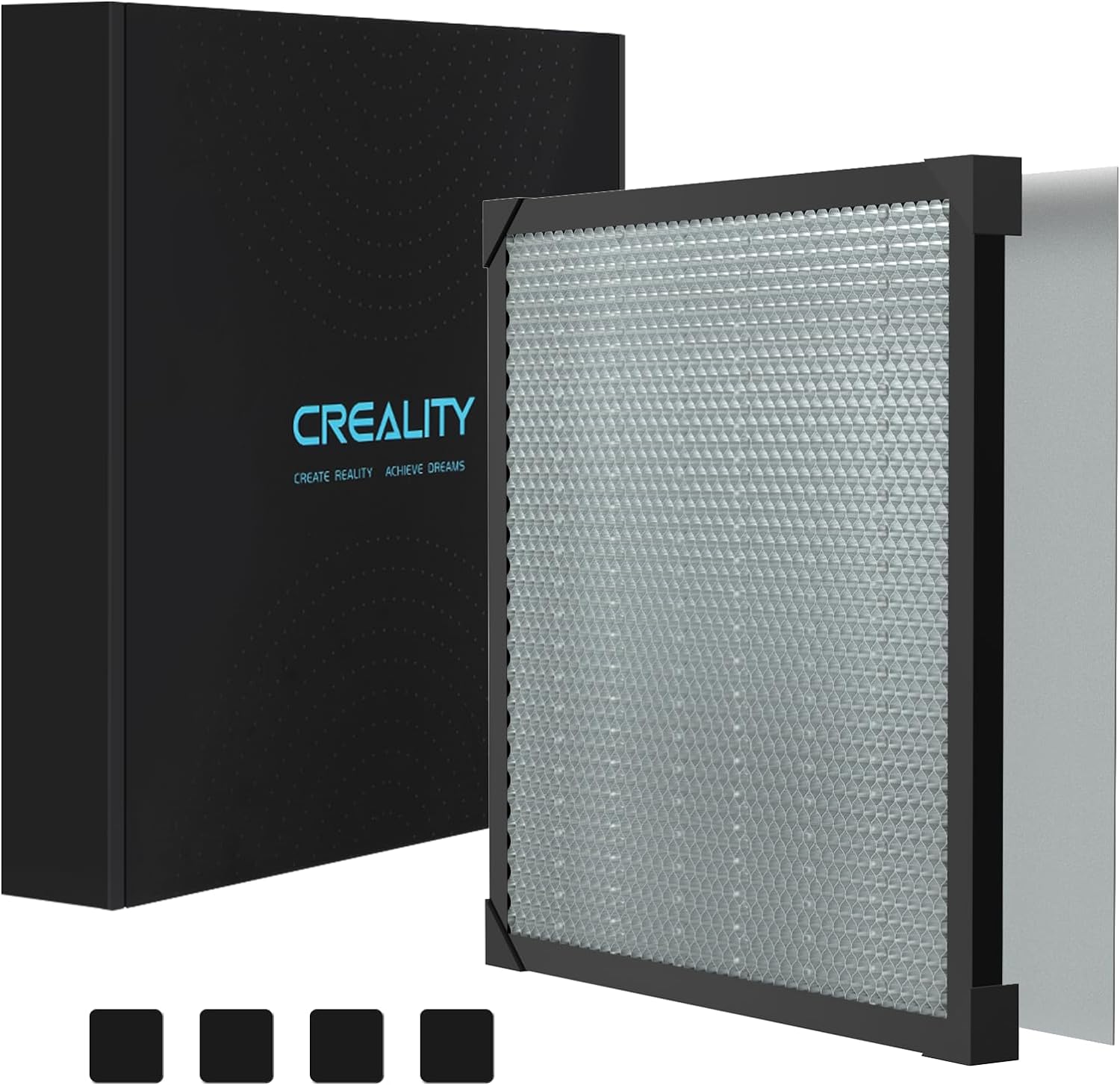
My laser is the Sculpfun S30 PRO MAX 20 WATT with air assist. I added a Creality laser cover with an exhaust fan that I mounted to a base so it opens like a convertible. I have a 400MM x 400MM honeycomb cutting board that I mounted to the work base as well. This assists me with jig alignment. I use Lighburn software on my laptop computer. I have the software on my PC as well so often times I will create the file and then transfer with a thumb drive to my laptop. I use the standard glasses that came with the laser, but the cover also has protective viewing windows. I use plastic push clamps and heavy magnets to hold material in place. I also have a inexpensive calipers that I measure wood thickness when making box tabs.
A Little Bit About The Box

Materials Used
A Few Things I Learned About Laser Cutting And Engraving
Must Haves For Laser Engraving & Cutting
My Laser Set Up