
TOOLANDPROJECT.COM features references to products from one or more of our advertisers that we may receive compensation at no expense to you as a user. You can see more on our privacy policy page.
How to Make a Wooden Gift Card Holder with a Laser (Step-by-Step)
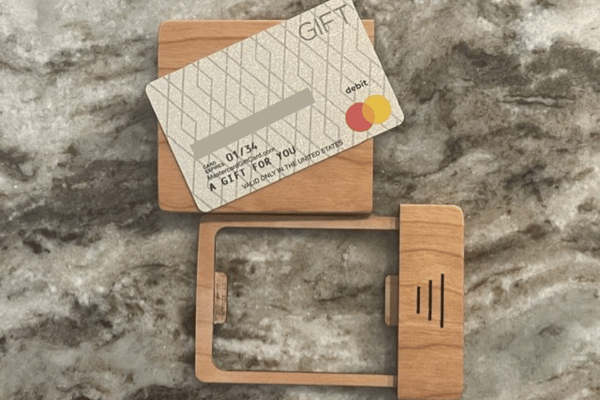
If you search Etsy, you’ll find all kinds of laser-cut gift card holder files. Some are cute, some are well executed—but none of them were quite what I wanted. I wanted something that would be held on to long after the gift card was used up. Gift cards can be considered fairly generic and kind of a “meh” gift. Putting it in a good looking card holder really elevates the gift. I wasn’t seeing that on Etsy.
I decided to make a gift card holder for some good friends, so I spent a little time designing my own file in LightBurn.
Another thing I noticed: most designs use 3mm plywood. I wanted something better—so I made mine from solid wood instead. It costs a bit more, but the durability and finish are worth it. Thin plywood designs can be fragile, especially around small details.
After a few iterations (and a couple of mistakes), version 4 finally came together.
Design Process And Adjustments
I started by cutting a test version from standard 3mm plywood. The concept worked, but I needed to tweak the dimensions.
Next, I cut one from 3mm maple, which turned out great—until my laptop battery died halfway through engraving my friend’s name. Lesson learned.
That setback gave me the chance to improve the design:
- Tightened the card pocket for a better fit
- Added a small tab to help hold the card in place
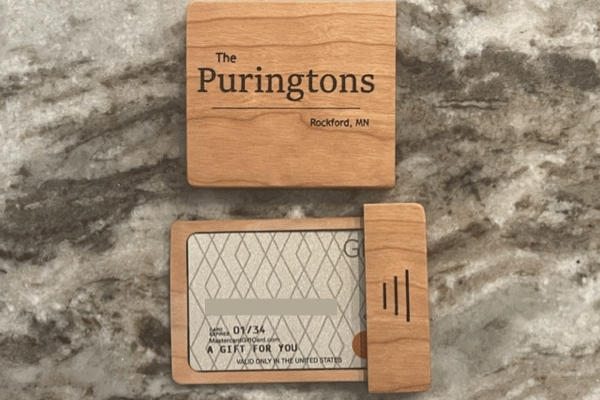
- Switched the name layout to horizontal
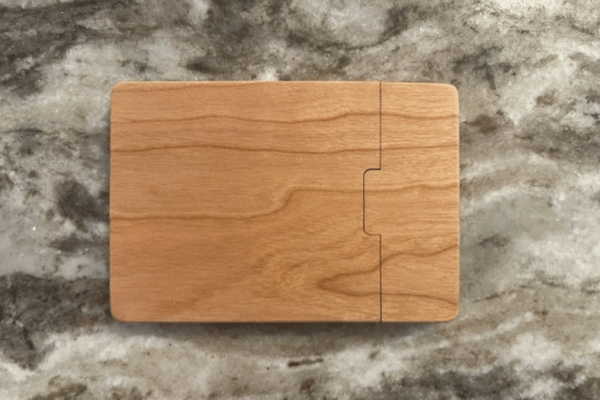
- Rounded the lid alignment tab for smoother operation
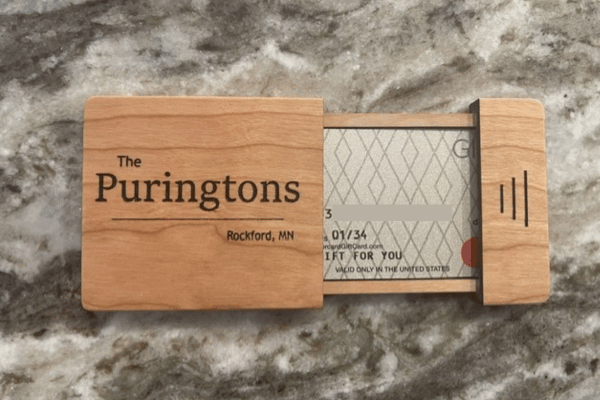
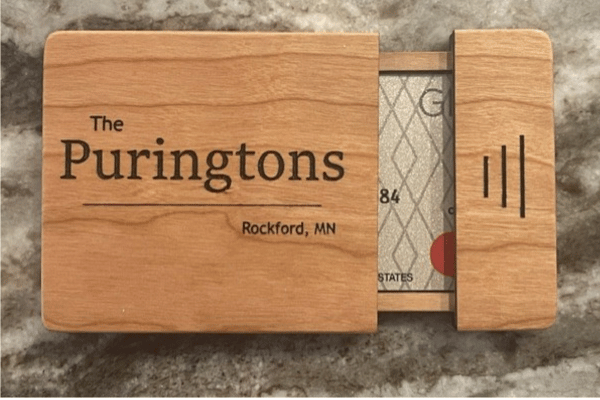
I engraved the name after assembly by carefully positioning the holder in the laser. I masked the area, engraved it, then used clear and black paint to make the lettering pop.
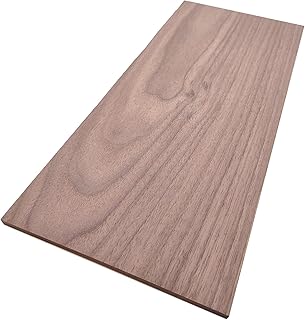
Another thing I noticed: most designs use 3mm plywood. I wanted something better—so I made mine from solid wood instead. It costs a bit more, but the durability and finish are worth it. Thin plywood designs can be fragile, especially around small details. Amazon has a nice variety of solid 1/” (3mm) solid wood to choose from.
After a few iterations (and a couple of mistakes), version 4 finally came together.
Assembly Tips
This isn’t a project you want to rush. Take your time aligning everything during glue-up.
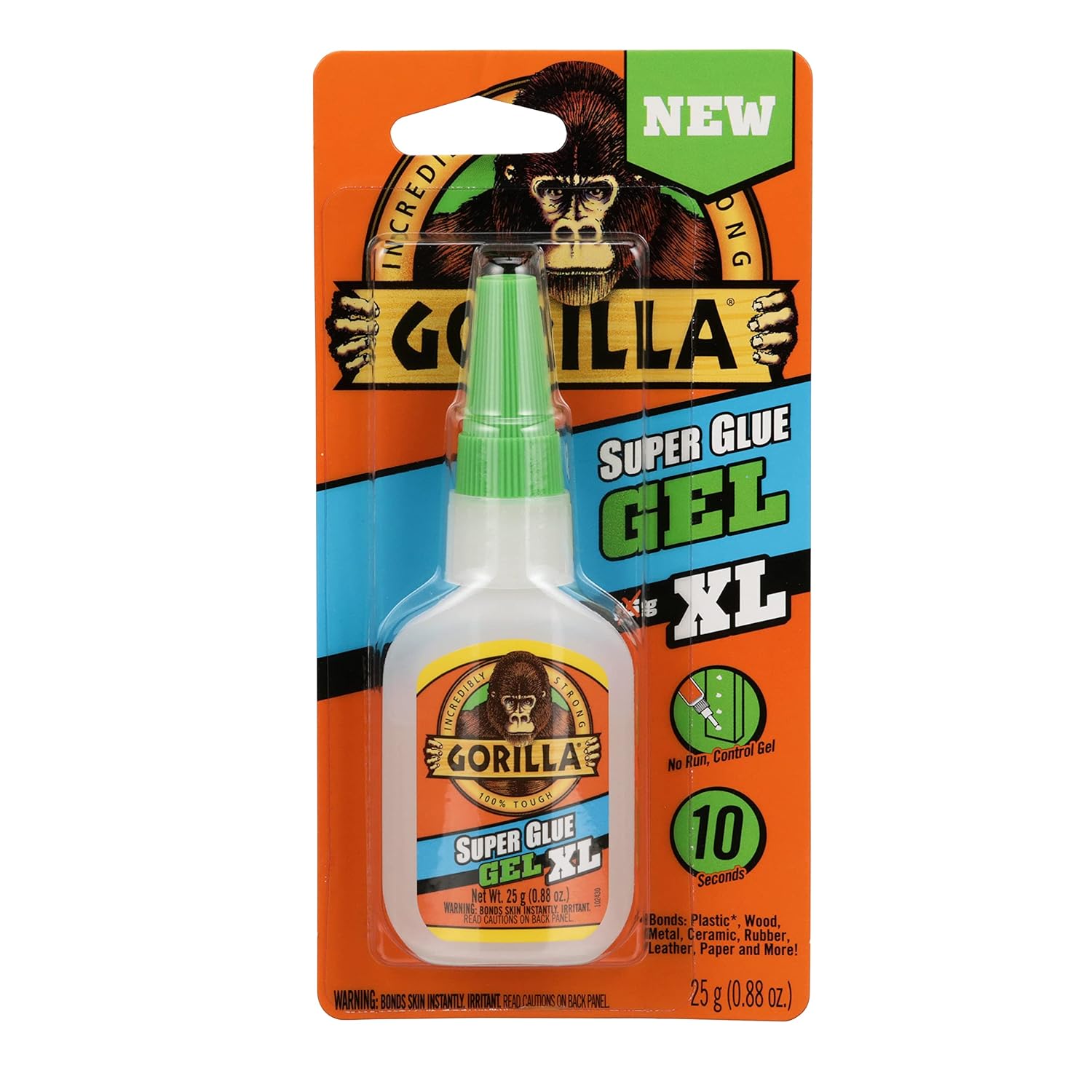
I recommend Gorilla Glue Gel Super Glue—it gives enough working time to position the parts accurately.
Once assembled:
- Sand the edges flush (a belt sander helps a lot)
- Round over edges for a smoother feel
- Fine-tune the card tray fit by hand sanding
Finishing
For finishing, I’ve had great results with:
- Butcher block oil (natural look, shown in photos)
- Satin clear spray (for a more polished finish)
If you choose a spray finish:
- Apply thin coats
- Sand lightly between coats
- I prefer a satin
Tools & Materials
Laser
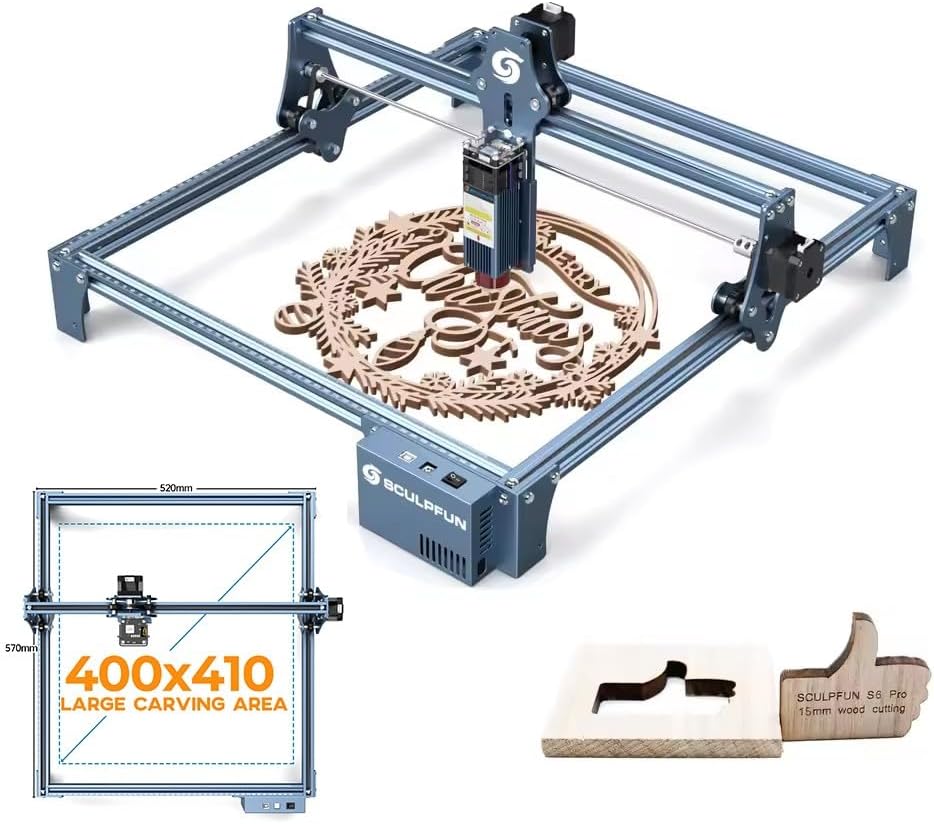
I use a 20W Sculpfun 20W Laser Engraver, but anything capable of cutting 3mm solid wood will work.
Design Software
Light Burn is what I used to create the file.
Wood
3mm solid lumber—cherry is my favorite by far. Walnut nice as well.
Glue
I like Gorilla Glue Gel.
Sandpaper
Various grits (up to 320 for final sanding)
Belt Sander (Optional)
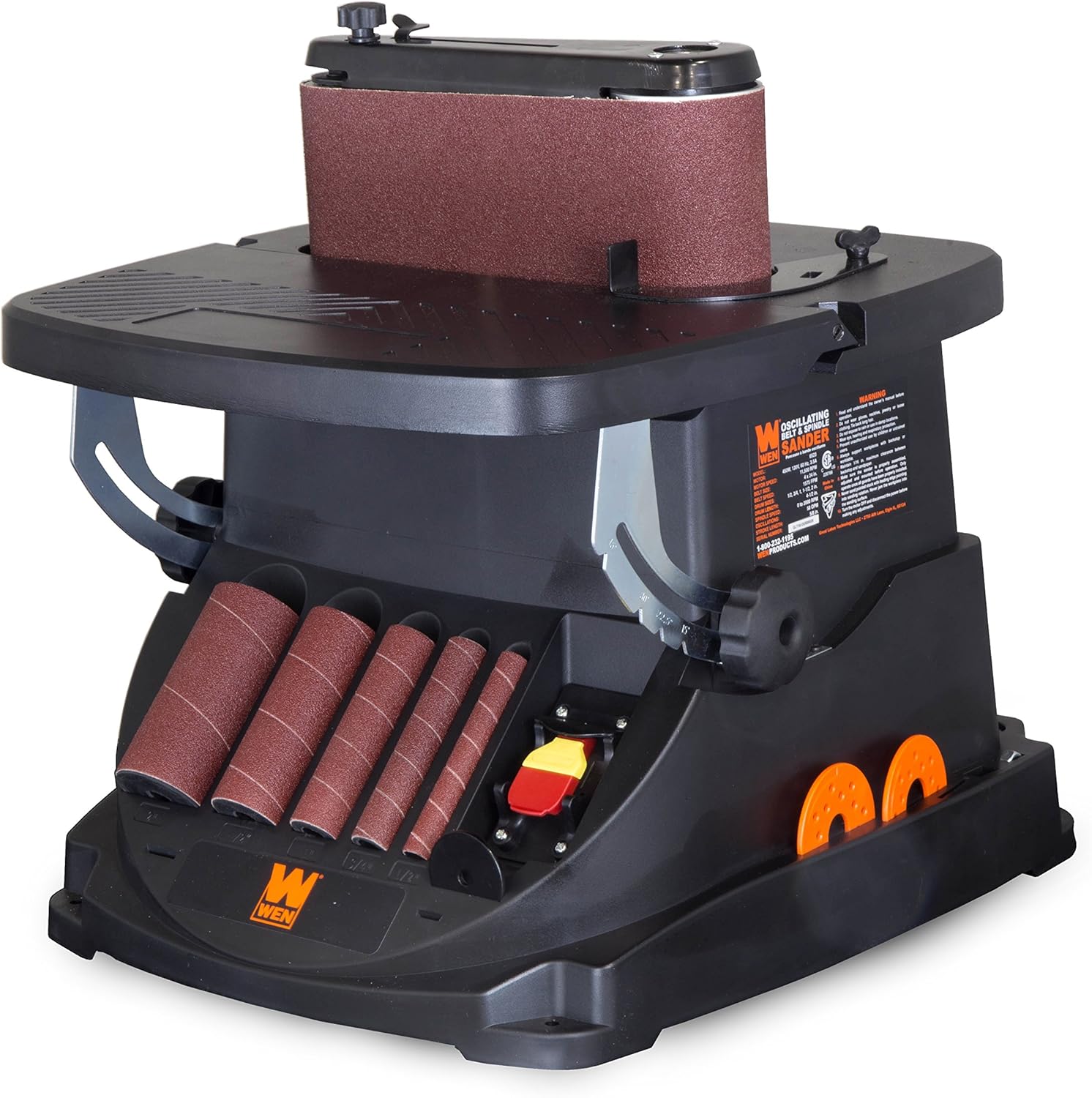
A small WEN belt sander makes edge work much faster.
Masking Tape & Paint
Used to enhance engraved text.
Finish
Butcher block oil or satin clear spray
Get What You Need On Amazon
Final Thoughts
This project was genuinely fun to build. The finished piece has a satisfying open-and-close action—it almost feels like a fidget toy.
Honestly, I didn’t want to give it away.
